%%{init: {'theme': 'base', 'themeVariables': { 'fontFamily': 'monospace', "darkMode":false}}}%%
flowchart TD
subgraph Src["<strong>Original log</strong>"]
Rmd[/"Typed .Rmd entries"/]
Photos[/"Whiteboard photos"/]
end
subgraph Build["<strong>build_workouts_data.py</strong>"]
Parse("Parse dates<br>and checkboxes")
Shrink("Rotate, resize,<br>save as JPEG")
Dedup{"Text and photo<br>on one date?"}
end
subgraph Pkg["<strong>daily_dose package</strong>"]
Json[("workouts.json")]
Imgs[("www/images/")]
Core[["core.py"]]
end
subgraph App["<strong>Shiny app</strong>"]
Server("app.py")
Card[["workout_card()"]]
end
Rmd -->|"i. read markdown"| Parse
Photos -->|"ii. read png"| Shrink
Parse --> Dedup
Shrink --> Dedup
Dedup -->|"iii. text wins"| Json
Dedup -->|"iii. photo kept"| Imgs
Json --> Core
Core -->|"iv. launch app"| Server
Server --> Card
Imgs -.-> Card
style Src fill:#FFFFFF,color:#000000,stroke:#333,stroke-width:1px,rx:10,ry:10
style Build font-size:15px,fill:#FFFFFF,color:#000000,stroke:#333,stroke-width:1px,rx:10,ry:10
style Pkg fill:#FFFFFF,color:#000000,stroke:#333,stroke-width:1px,rx:10,ry:10
style App fill:#FFFFFF,color:#000000,stroke:#333,stroke-width:1px,rx:10,ry:10
style Parse fill:#4CBB9D,color:#FFFFFF,rx:5,ry:5
style Shrink fill:#4CBB9D,color:#FFFFFF,rx:5,ry:5
style Dedup fill:#4CBB9D,color:#FFFFFF
style Core fill:#4CBB9D,color:#FFFFFF
style Server fill:#4CBB9D,color:#FFFFFF,rx:5,ry:5
style Card fill:#4CBB9D,color:#FFFFFF
I started storing my daily workouts on GitHub in 2020, and continued until about 2024. I logged almost every workout I did (1,001 total). In this post I’ll cover how that log became daily-dose, a small Shiny for Python app. We’ll walk through the app’s history, its architecture, and some design choices I made to keep it small.
Where the log came from
The log started as an R Markdown site in early 2022. Each year had its own page, and each workout sat under a dated ### heading. Most entries were typed in markdown, but for a stretch of 2020, the workouts lived on a whiteboard, so I took a picture the board instead.
By 2024 I had 881 typed entries and 120 photos. I eventually noticed that I’d organized date (specifically), but I rarely browsed it year by year. I decided I wanted an app that could do two things: select a random workout, and look at what I did on this date in past years.
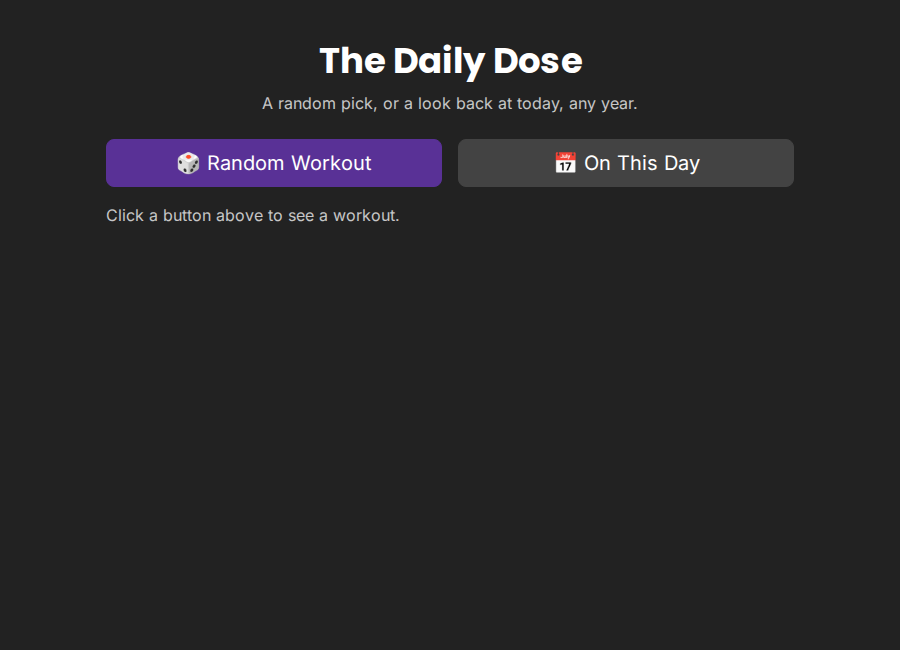
I rebuilt the website as Shiny for Python app-package on top.
How the pieces fit
I wanted the app to do the two things covered above (and nothing else). I thought of this in three layers: a build script, a pure Python core, and a thin Shiny app. The diagram below shows how a workout moves from its original source to the screen.
The build script runs by hand, only when the source files change. It writes every workout to a single JSON file that ships inside the package. The app reads that file once at startup.
The core is just two functions over a list of records. random_workout() picks one record, and on_this_day() returns every record that matches today’s month and day:
def on_this_day(workouts, today=None):
target = today or date.today()
matches = [
w for w in workouts
if int(w["date"][5:7]) == target.month
and int(w["date"][8:10]) == target.day
]
return sorted(matches, key=lambda w: w["date"], reverse=True)Design choices
As I mentioned above, the workouts were stored as markdown text and images. Below I’ll cover how I dealt with these two types of files, and what I did to handle duplicates.
One record shape
I could’ve have kept the markdown entries and photos in two collections, but I decided every workout would just be one record with a date and a kind ("text" or "image"). Both core functions work on a flat list without caring what the record holds. Only workout_card() checks kind, because only the card has to draw it.
Keep the markdown as written
I thought I’d be able to categorize the workout by type, but over the four years, I never settled on one markdown format for exercises or reps. Forcing them into structured fields would risk mangling any entry the parser misread. So the parser pulls out only the date and the done checkbox and keeps the rest verbatim.
The parser also fails loudly. Any line that looks like a date heading but doesn’t match the strict pattern stops the build. I’ve found this to be better than silently merging that line into the entry above it.
A core without Shiny
core.py never imports shiny, so it keeps both functions testable with plain pytest, with no running app. It also leaves app.py as thin glue: two buttons, two effects, and one render function.
%%{init: {'theme': 'base', 'themeVariables': { 'fontFamily': 'monospace', "darkMode":false}}}%%
flowchart TD
User(["User clicks<br>button"])
subgraph ShinyGrp["<strong>Imports shiny</strong>"]
AppPy("app.py<br>buttons, effects, render")
Card[["workout_card()"]]
end
subgraph CoreGrp["<strong>Plain Python (core.py)</strong>"]
Load[["load_workouts()"]]
Rand[["random_workout()"]]
Today[["on_this_day()"]]
end
Tests(["pytest<br>tests/"])
User --> AppPy
AppPy --> Rand
AppPy --> Today
Load --> AppPy
AppPy --> Card
Tests -.-> Load
Tests -.-> Rand
Tests -.-> Today
style ShinyGrp fill:#FFFFFF,color:#000000,stroke:#333,stroke-width:1px,rx:10,ry:10
style CoreGrp font-size:15px,fill:#FFFFFF,color:#000000,stroke:#333,stroke-width:1px,rx:10,ry:10
style User fill:#FFFFFF,color:#000000,stroke:#333
style Tests fill:#FFFFFF,color:#000000,stroke:#333
style AppPy fill:#4CBB9D,color:#FFFFFF,rx:5,ry:5
style Card fill:#4CBB9D,color:#FFFFFF
style Load fill:#4CBB9D,color:#FFFFFF
style Rand fill:#4CBB9D,color:#FFFFFF
style Today fill:#4CBB9D,color:#FFFFFF
I’m still new to Shiny for Python, so I used Shiny Core rather than Express, which keeps the UI and server in separate, explicit objects.
Smaller photos
The original photos were phone PNGs, about 325MB for 120 images. Since the app ships as an installable package, the build script rotates, resizes, and saves each one as JPEG. The total dropped to about 21MB with no visible loss on handwriting.
A shim for deployment
The app runs on Posit Connect Cloud, which expects app.py and requirements.txt at the repo root. The package uses a src layout, so the root app.py is a small shim that imports the real app.
Recap
The daily-dose app-package successfully kept the two features I used and dropped the rest. I found processing the data (turning typed entries and photos into one record shape) in a Shiny-free core made the logic easy to test. I just used Shiny as a thin layer to put the outputs on the screen. Also–writing the documentation in great-docs was intuitive and fun because I use Quarto quite a bit.