shypermaid
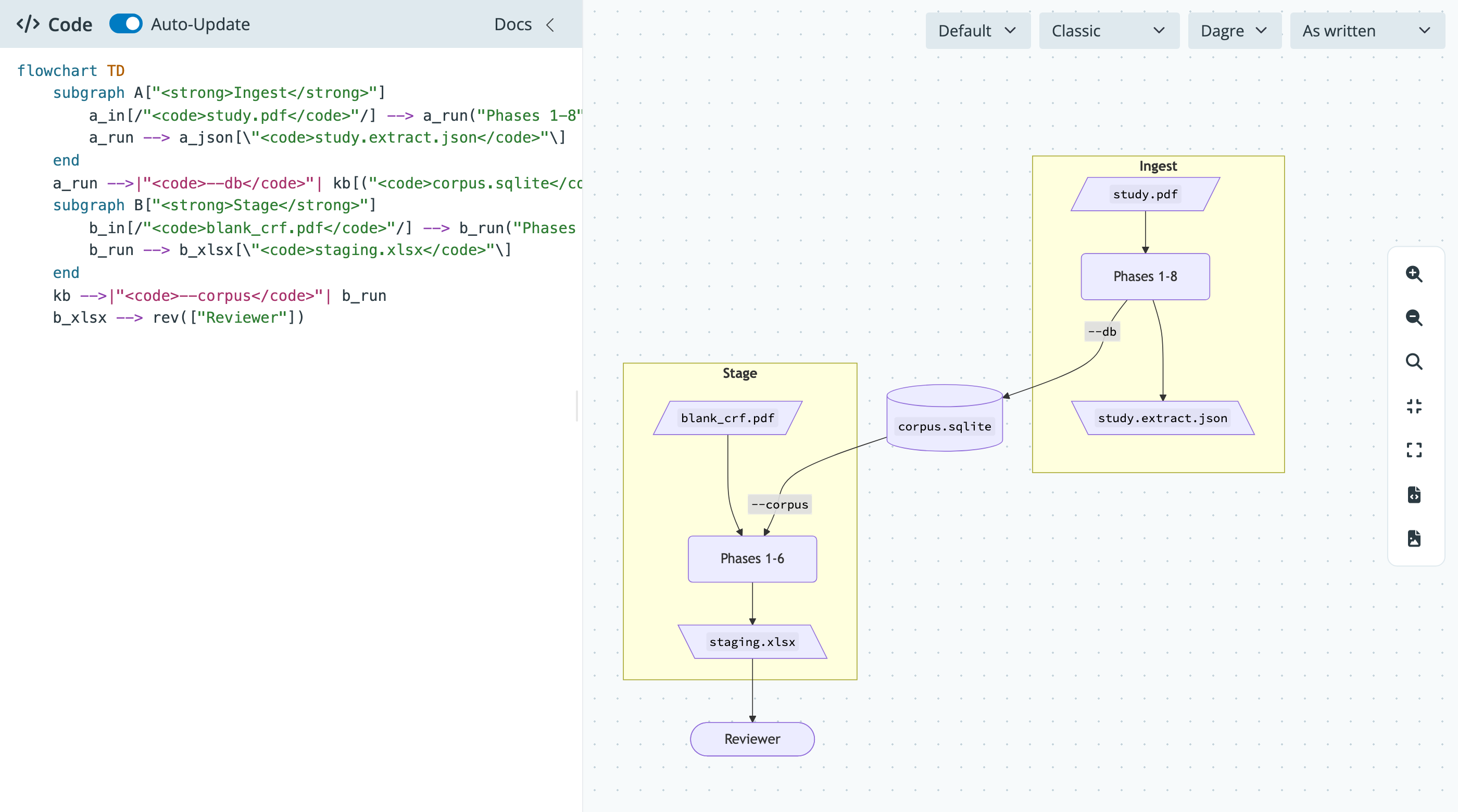
A Shiny for Python (Core) app-package that renders Mermaid diagrams. Write Mermaid code in the left pane and the diagram updates on the canvas to the right.
Features
- Code editor with Mermaid syntax highlighting in a collapsible sidebar, with an Auto-Update switch and a Render button
- Tab inserts spaces in the editor; press Escape, then Tab, to move focus out
- Theme (default, neutral, dark, forest, base), look (classic, hand drawn), layout (Dagre, ELK), and direction (as written, TD, BT, LR, RL) menus
- Pan and zoom, 1:1, fit to screen, fullscreen, and SVG or PNG download
- Parse errors show on the canvas while the last good diagram stays in place
Install
This package uses uv. uv sync creates .venv/, installs the package in editable mode, and adds the dev group (pytest, ruff, mypy):
uv syncAdd --group docs to also install great-docs (Python 3.11 or later).
Run
uv run shypermaidOr with autoreload during development:
uv run shiny run shypermaid.app:app --reloadFrom Python:
from shypermaid import run_app

run_app(port=8000)
The app ships its own copies of Mermaid and svg-pan-zoom, so it works without an internet connection. Mermaid 12 needs a current browser (Safari 17.4 or later, or a recent Chrome, Edge, or Firefox).
Desktop app
shypermaid also ships as a desktop app built with shinyelectron. The installers carry their own Python, so nothing else needs to be installed. Download the one for your system from the latest release:
| System | Installer |
|---|---|
| macOS (Apple silicon) | shypermaid-0.2.3-arm64.dmg |
| macOS (Intel) | shypermaid-0.2.3-x64.dmg |
| Windows | shypermaid-Setup-0.2.3-x64.exe |
| Linux (any) | shypermaid-0.2.3-x86_64.AppImage |
| Linux (Debian, Ubuntu) | shypermaid_0.2.3_amd64.deb |
The installers are not signed yet, so your system warns you the first time you open the app. See Build the Desktop App for how to open it anyway, how to remove the app and its settings, and how to build an installer yourself.
Use the modules in another app
from shiny import App, ui

from shypermaid import editor_server, editor_ui, viewer_server, viewer_ui

app_ui = ui.page_fillable(
    ui.layout_sidebar(ui.sidebar(editor_ui("editor")), viewer_ui("viewer"))
)


def server(input, output, session):
    code = editor_server("editor")
    viewer_server("viewer", code=code)


app = App(app_ui, server)
The page also needs the scripts and stylesheet that shypermaid.app.app_ui() adds to the page head, and www/ served at /shypermaid (see Embed the Modules).
Develop
The editor tests in tests/test_editor_highlight.py drive a browser with Playwright. Install its Chromium once:
uv run playwright install chromiumuv run pytest
uv run ruff check src tests
uv run mypy srcBuild and preview the docs site:
uv sync --group docs
uv run great-docs build
uv run great-docs preview
Layout
src/shypermaid/
├── __init__.py
├── diagram.py      # Shiny free helpers: set_direction(), render_config()
├── modules.py      # editor and viewer modules
├── app.py          # app_ui(), server(), create_app(), run_app()
└── www/
    ├── mermaid-binding.js
    ├── styles.css
    └── vendor/     # Mermaid, svg-pan-zoom
tests/
├── test_app.py
└── test_diagram.py