DISTRIBUTIONS
Distributions: these graphs display the shape of a variable’s values (good for assessing normality, skewness, kurtosis, etc.)
Overlapping histograms
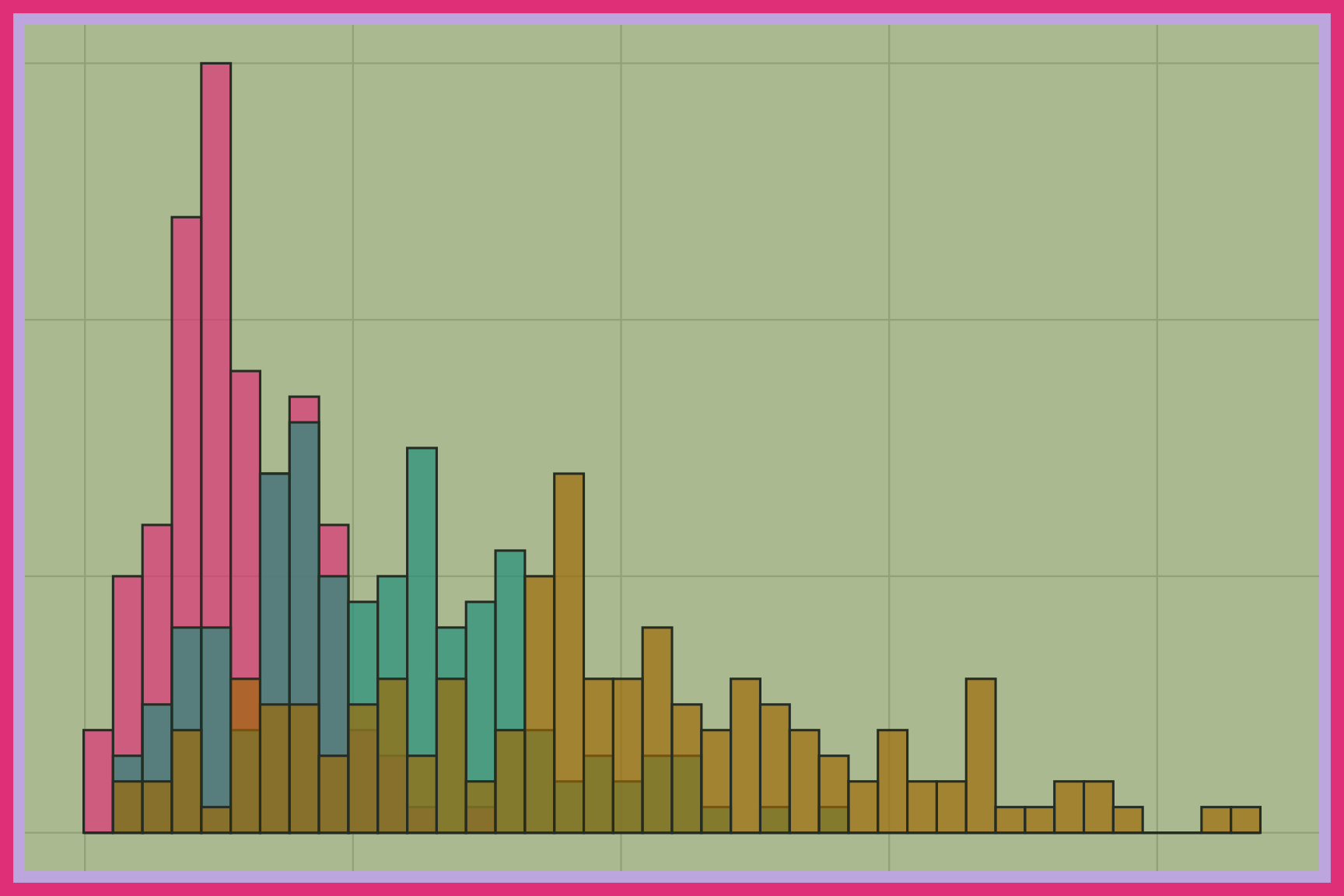
Overlapping histograms draw a histogram for each group on the same axes. The bars are partially transparent so we can see where the groups overlap and where they separate. Overlapping histograms work well for comparing two or three groups, but get crowded with more. Color separates the groups, and a legend explains each one.
Overlapping frequency polygons
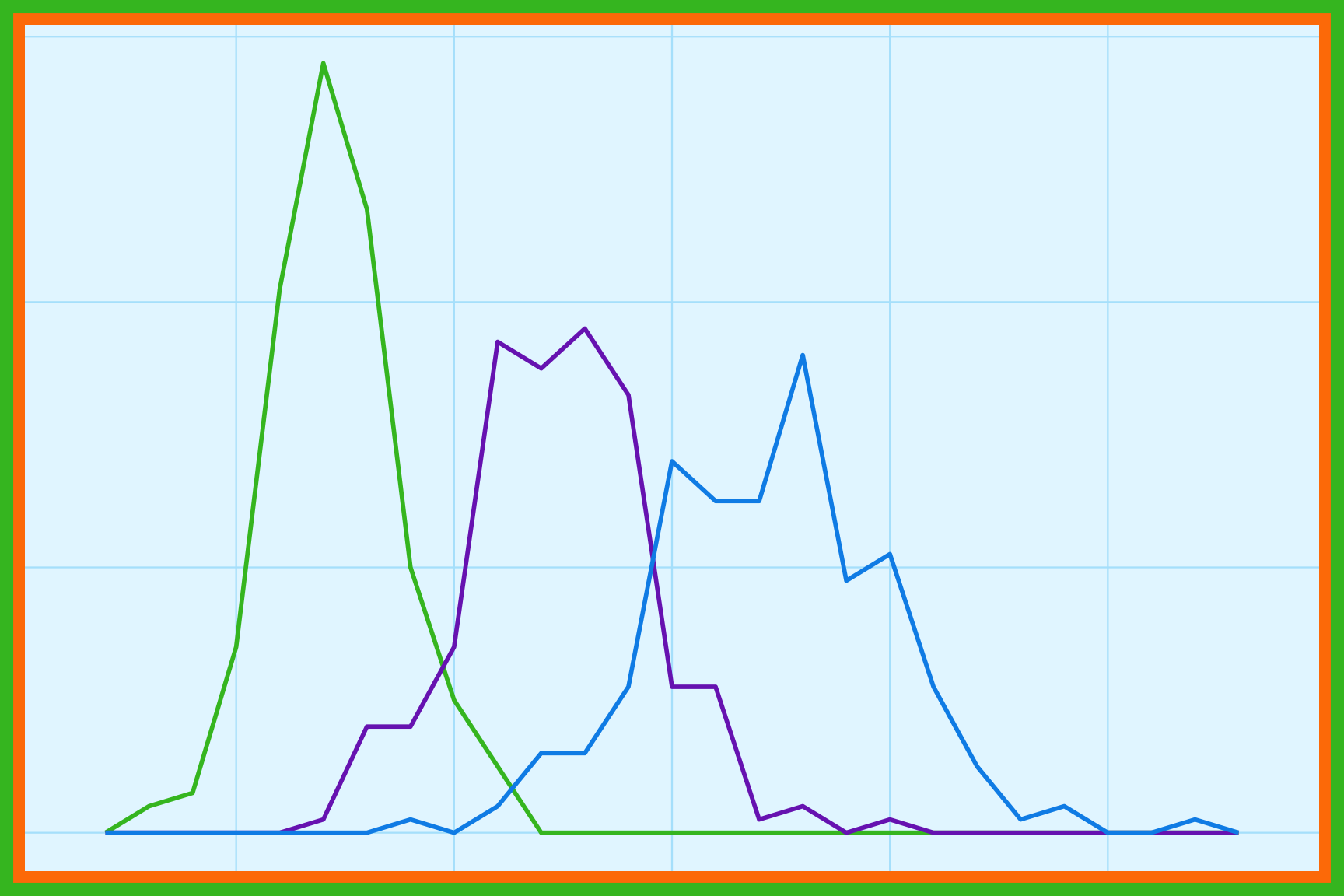
Overlapping frequency polygons draw a line for each group’s counts across the bins of a numeric variable. Because they use lines instead of bars, frequency polygons can compare more groups than overlapping histograms without hiding each other. The shape of each line shows the center, spread, and skew of each group. Color separates the groups, and a legend explains each line.
Overlapping dot plots
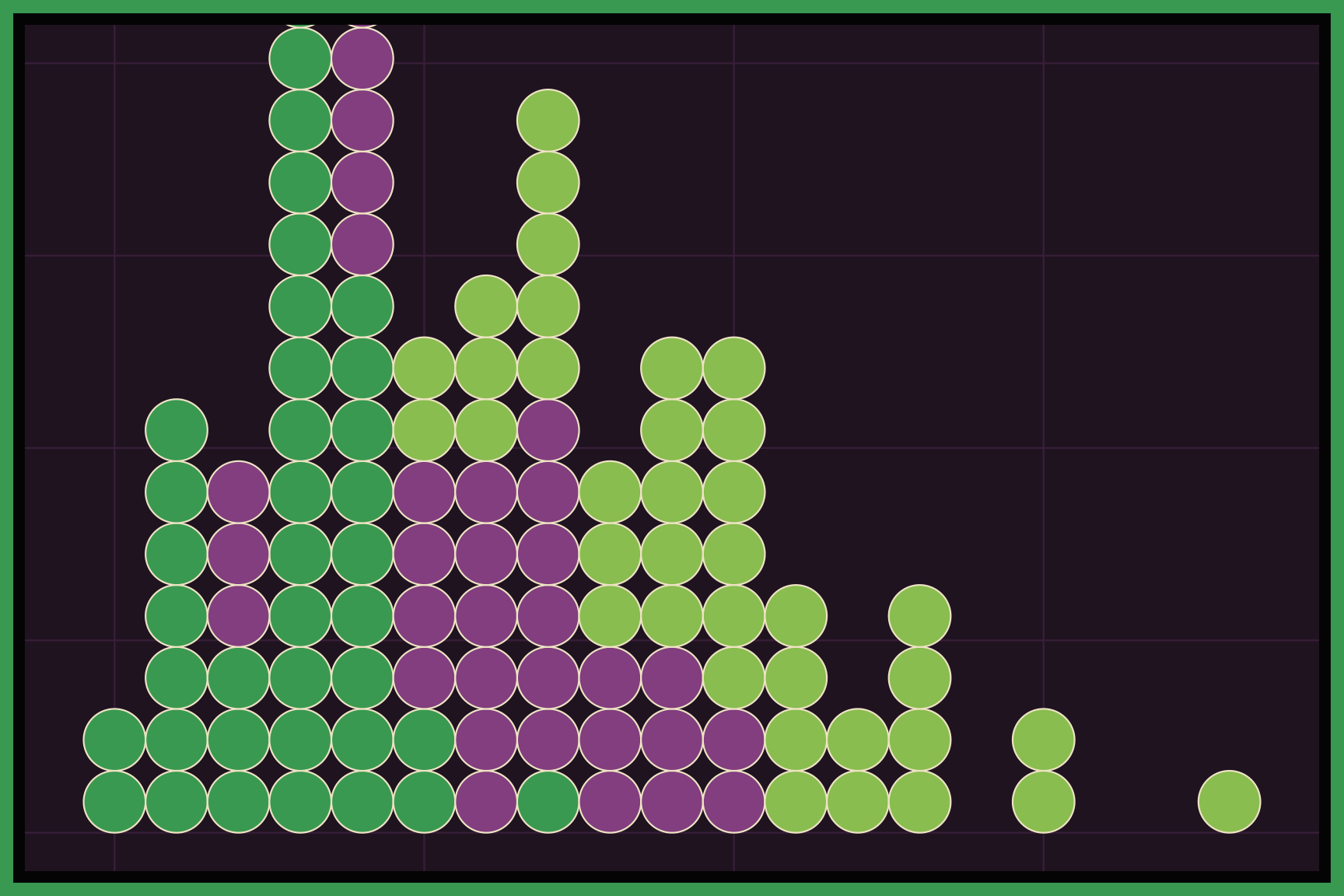
Overlapping dot plots stack a dot for every observation in each group on the same axis. Each dot is one value, so we can count the observations directly and see clusters, gaps, and outliers in each group. Dot plots work best with small to moderate datasets. Color separates the groups, and a legend explains each one.
Beeswarm plots
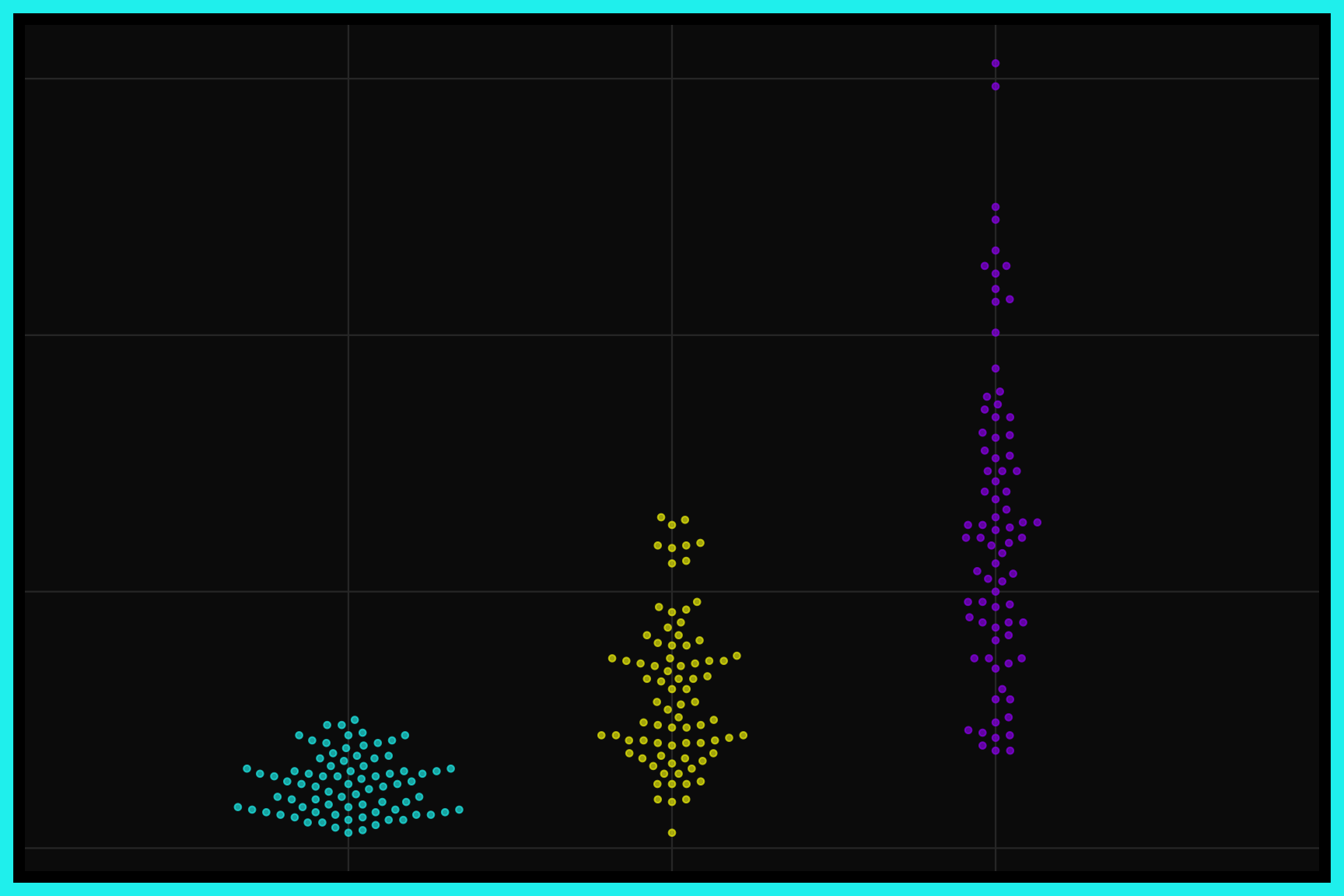
A beeswarm plot shows every observation as a point, arranged so the points don’t overlap. The points spread out sideways where values are crowded, so the width of the swarm shows where the values are concentrated. Beeswarm plots are a good way to compare the distributions of several groups while still seeing each data point. Each group gets its own swarm, usually along the x axis.
Overlapping and stacked density plots
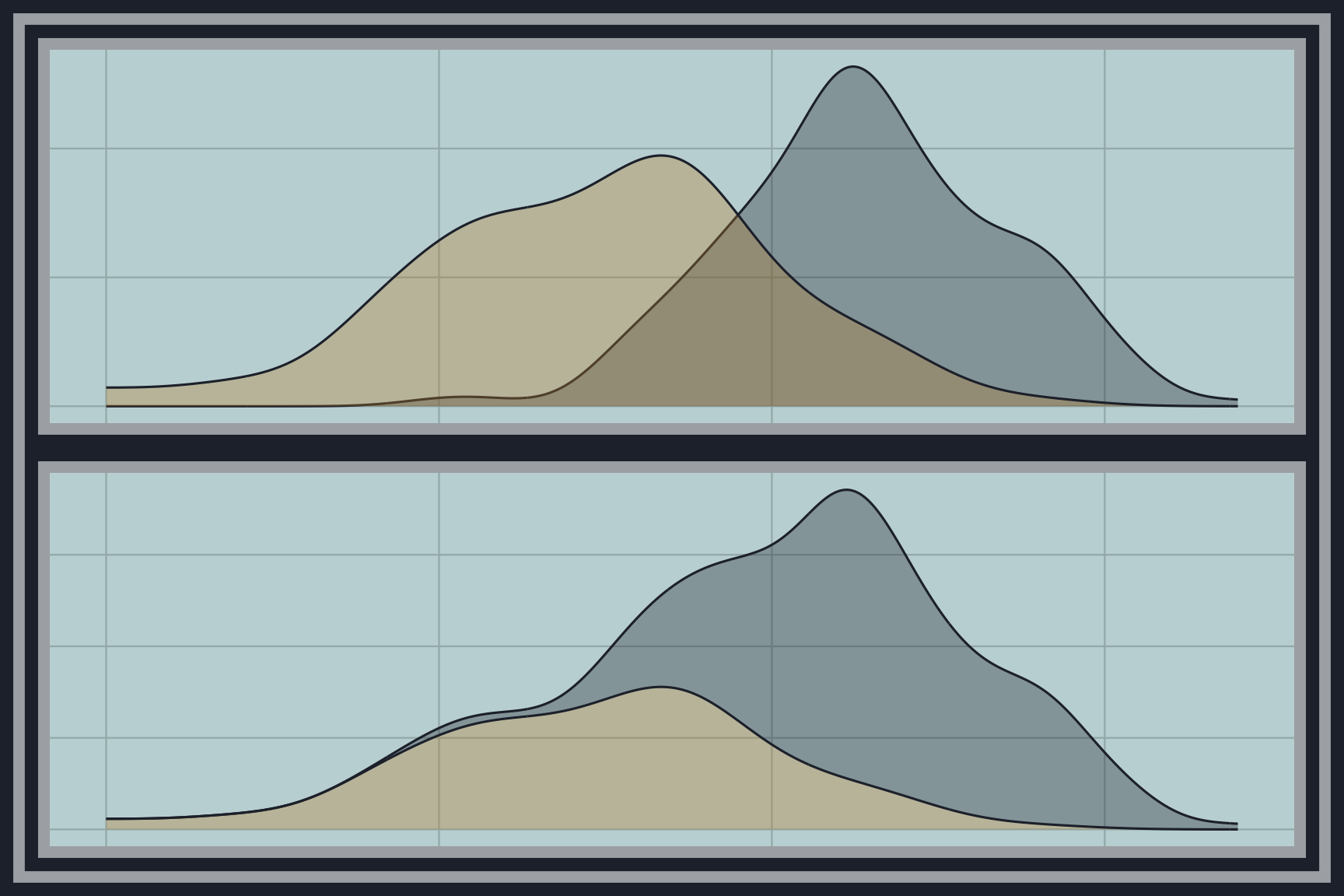
Overlapping and stacked density plots draw a smooth density curve for each group. Overlapping densities use transparency to show where the groups share the same values, and stacked densities place each group on top of the others to show the total. Density plots smooth over the noise in histograms, which makes the overall shapes easier to compare. Color separates the groups, and a legend explains each curve.
Ridgeline plots
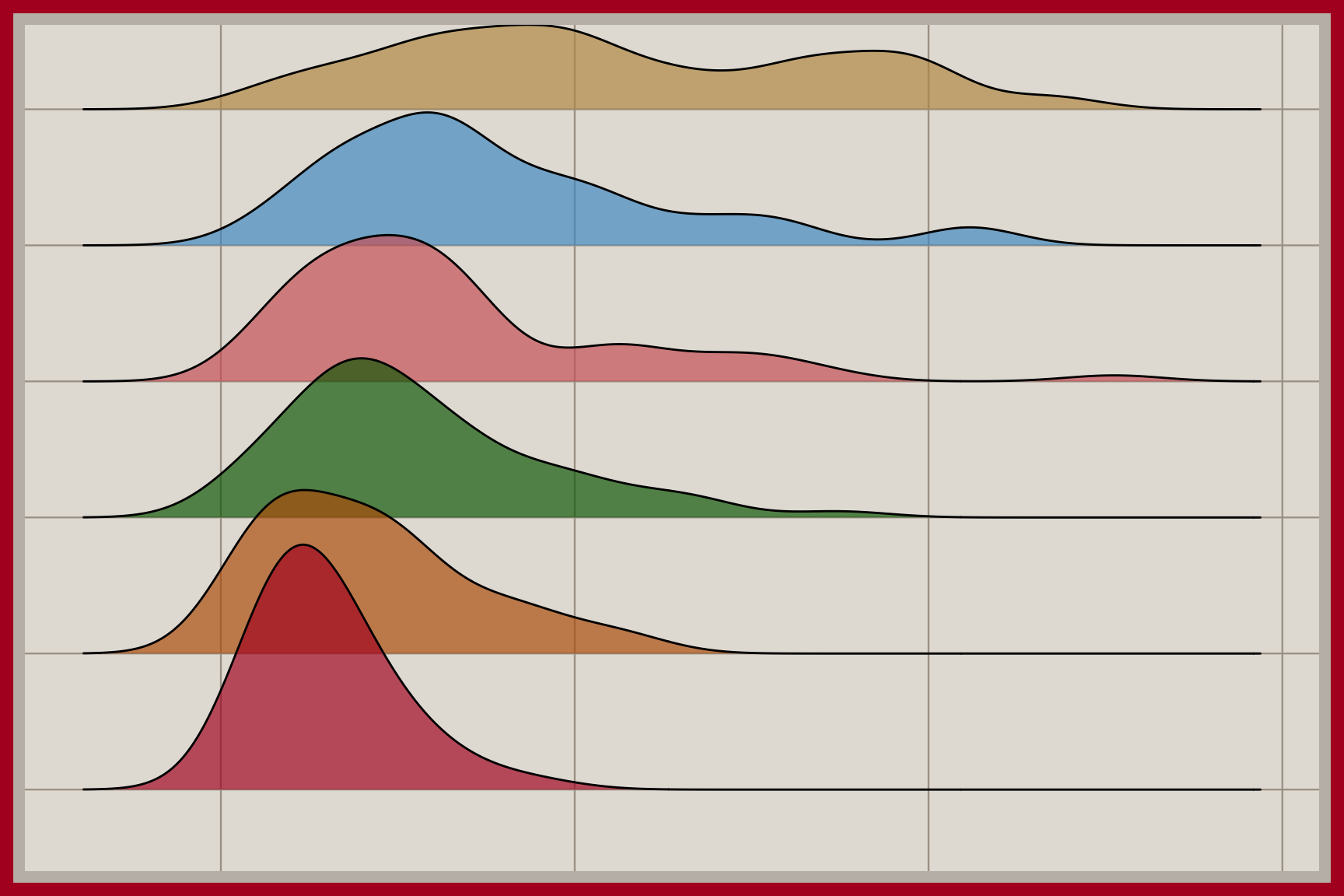
A ridgeline plot stacks a density curve for each group in its own row, slightly overlapping the row above it. The rows share the same x axis, so we can compare the center, spread, and shape of many groups at once. Ridgeline plots are especially helpful when there are too many groups for overlapping densities. Each group’s name labels its row on the y axis.
Grouped box plots
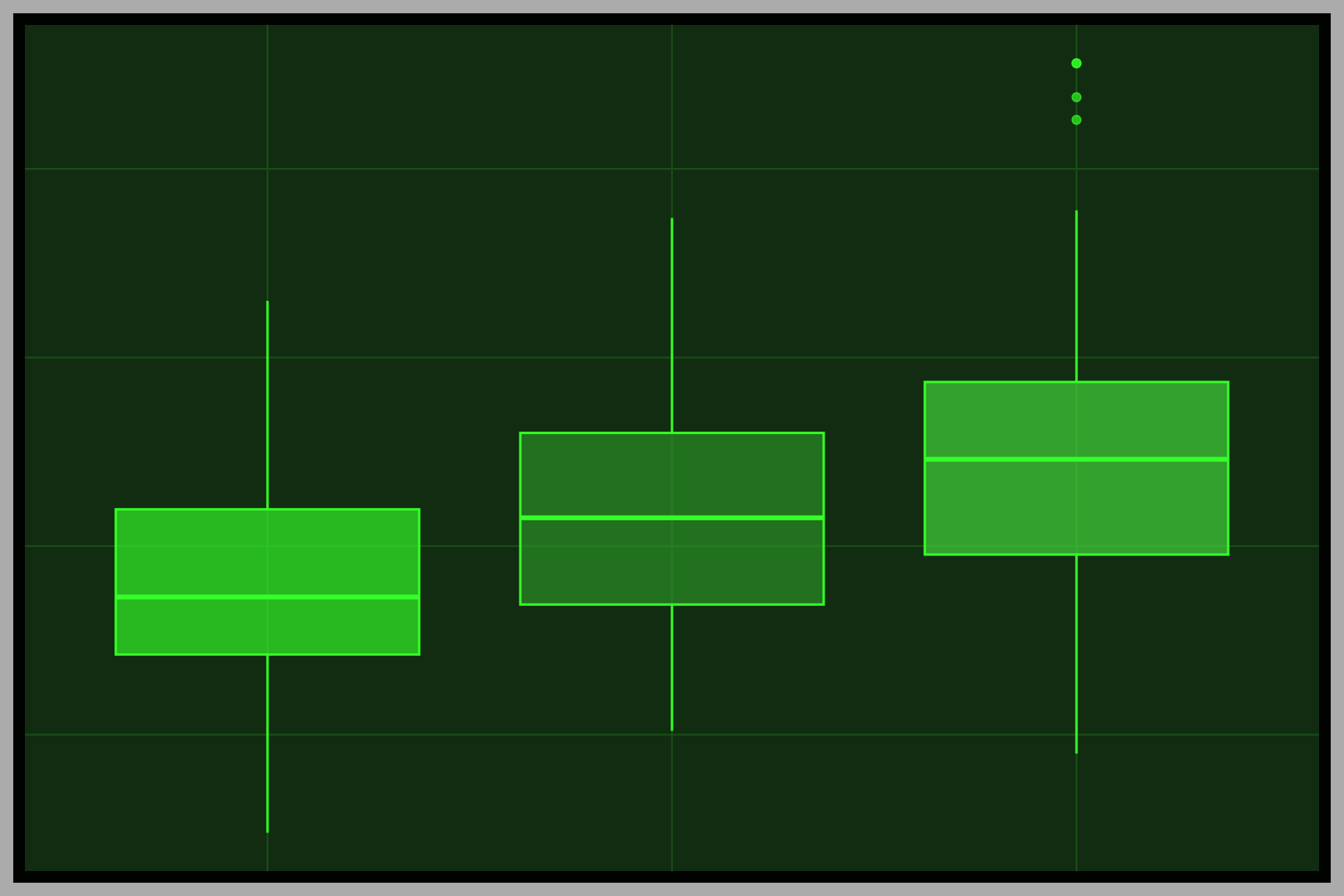
Grouped box plots draw a box plot for each group side by side. Each box shows the median and the middle half of the values. The whiskers reach the most extreme values within 1.5 box lengths of the box, and points beyond the whiskers show unusual values. Grouped box plots summarize many groups in very little space. The groups are placed along one axis and the numeric values along the other.
Grouped violin plots
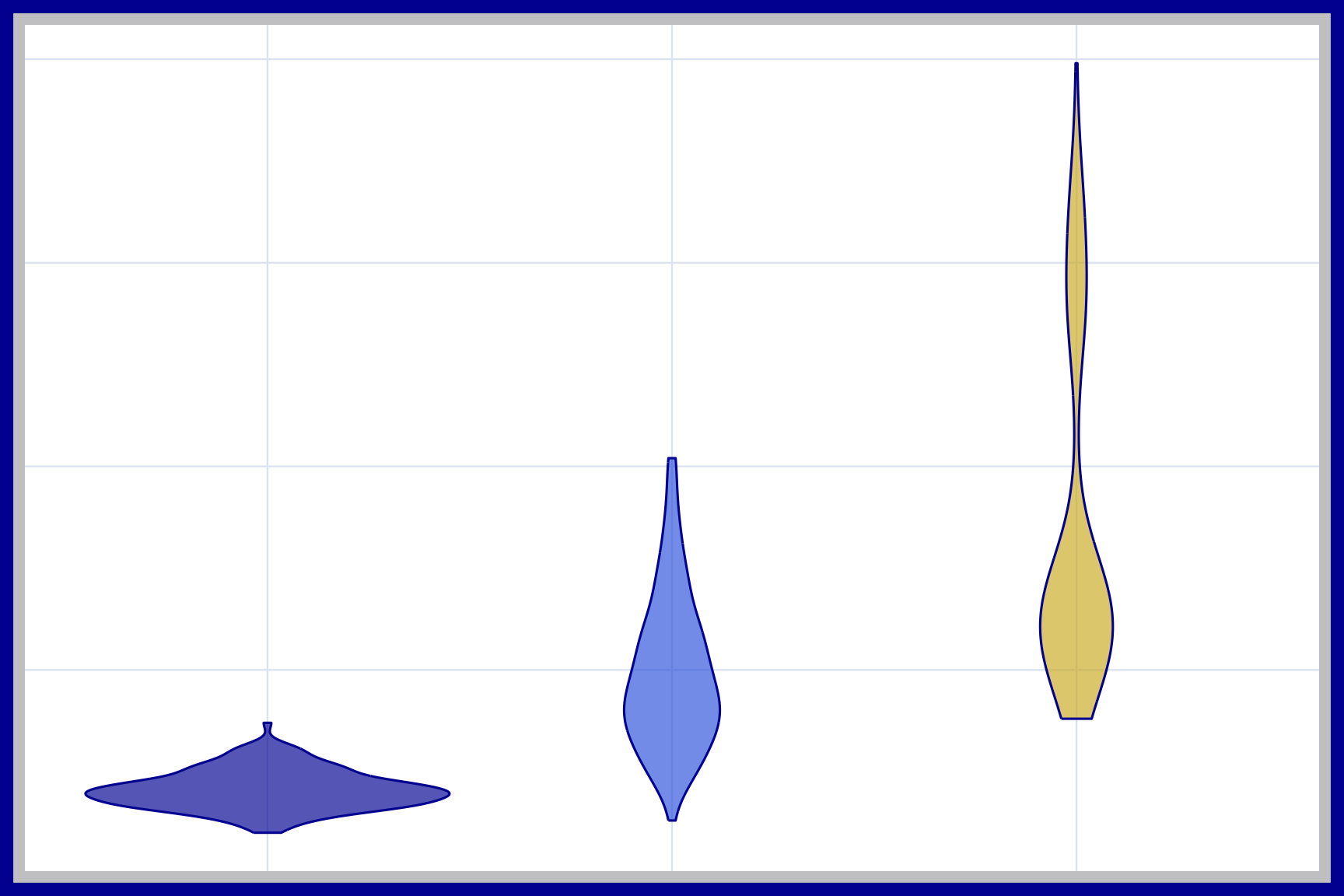
Grouped violin plots draw a violin for each group side by side. Each violin is a mirrored density curve, so its width shows how common each value is in that group. Violins reveal shapes a box plot hides, such as two peaks in the same group. The groups are placed along one axis, and color often separates them.
Raincloud plots
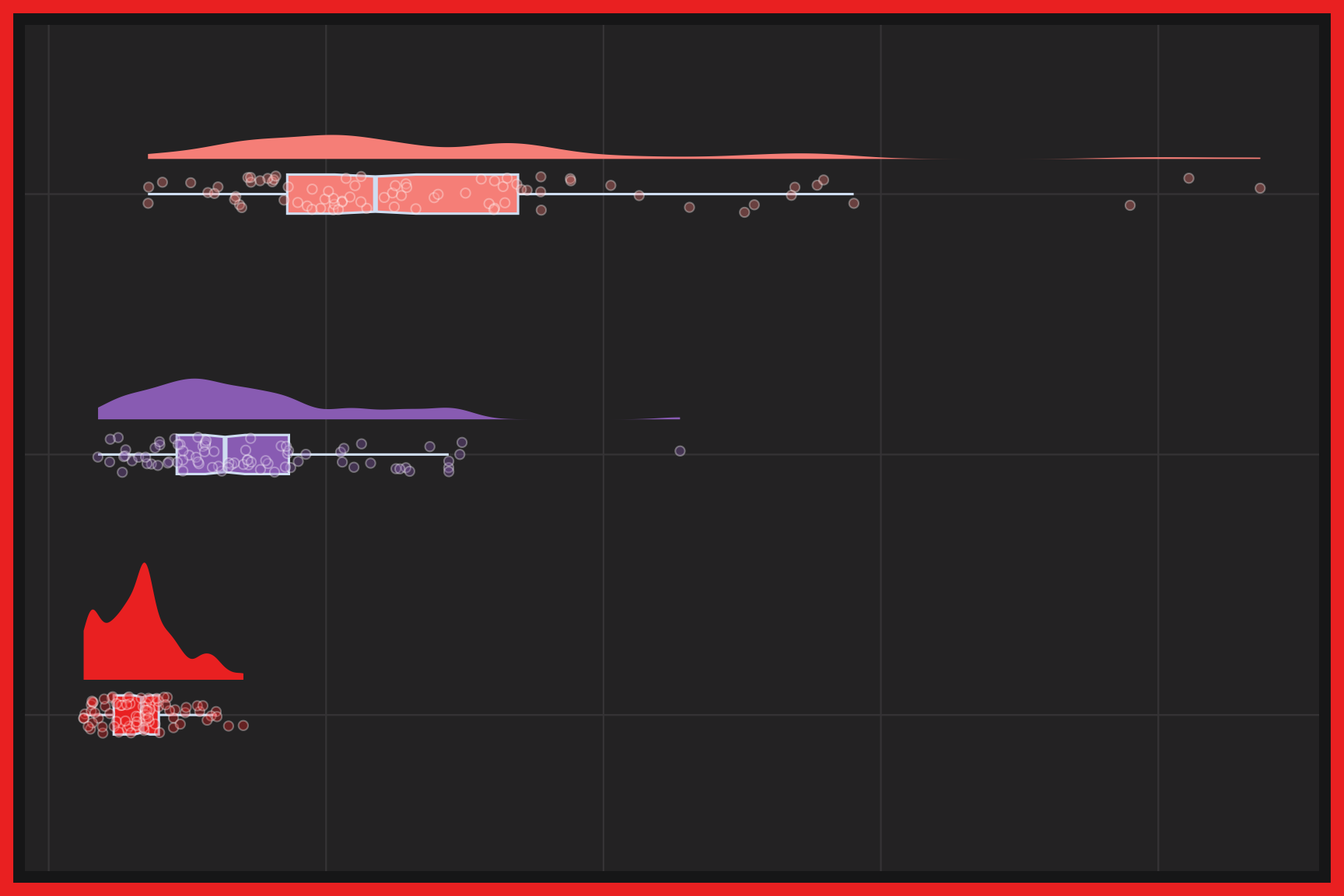
A raincloud plot combines three views of the same data: a half density curve (the cloud), a box plot, and the individual points (the rain). Together they show the shape of the distribution, its summary statistics, and every observation. Raincloud plots are a good choice for comparing groups or repeated measurements when we don’t want to hide any of the data. Each group gets its own cloud and rain, and color separates them.