6 Violin plots
TipTheme:
theme_microdrive()
Graphs in this chapter use fmggp2::theme_microdrive(), built from IBM and Hitachi Microdrive cards on a tan desk: a black frame, a red title, IBM blue, red, navy, and Hitachi sky blue marks, and a Times New Roman title.
6.1 Description
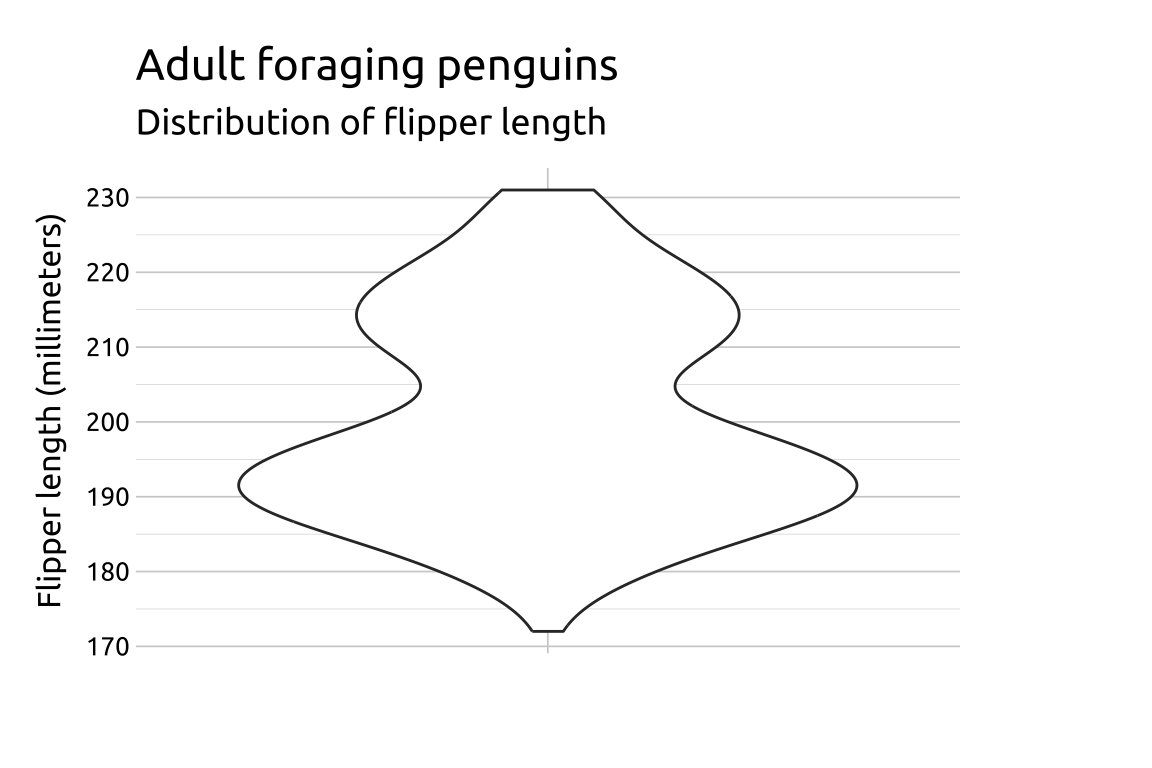
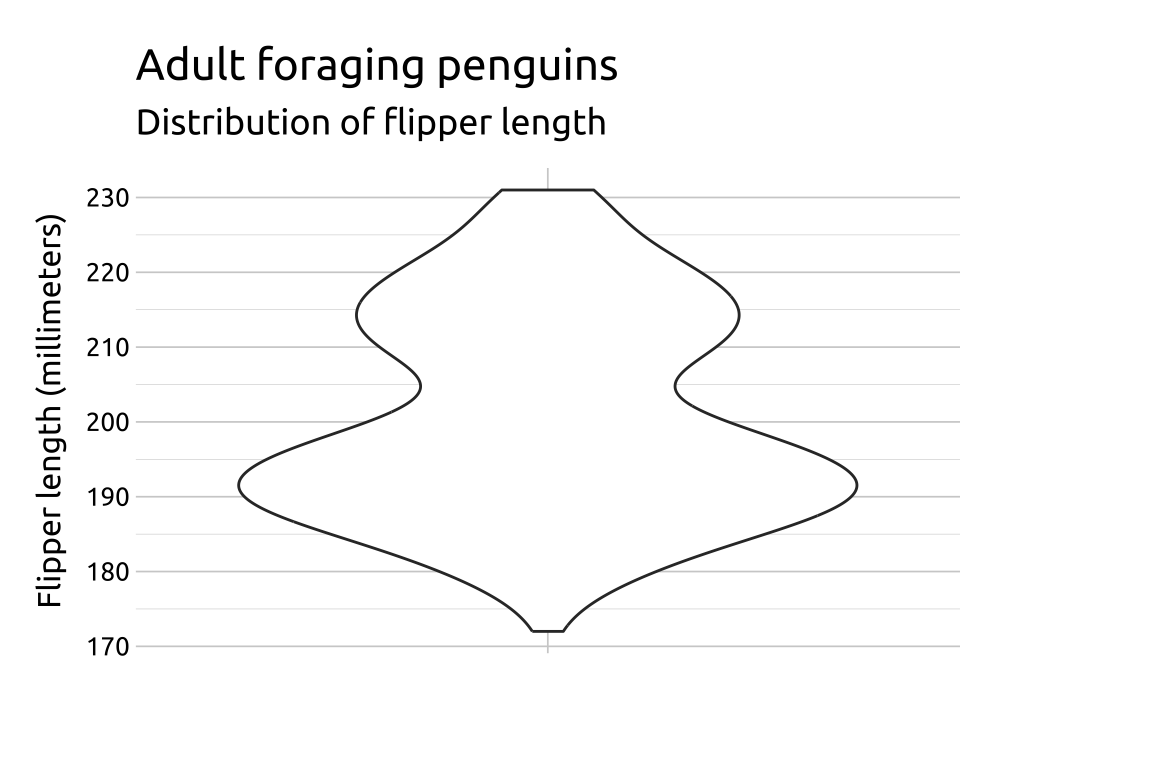
Violin plots show data distribution and probability density. They are like box plots (Chapter 7) but have a rotated kernel density plot on each side. We can use them to compare data distribution across categories.
The violin plot is essentially a mirrored density plot, in which a smoothed distribution is plotted symmetrically around its own center line, creating a Rorschach-like inkblot area for the distribution:

6.2 Set up
PACKAGES:
Install packages.
show/hide
library(ggplot2)
library(dplyr) # for tibble() and data manipulation
DATA:
In 1999, IBM’s 340MB Microdrive squeezed a tiny spinning hard disk into a CompactFlash Type II card, giving digital camera owners room for hundreds of photos. The photo files varied a lot in size: most JPEGs came in under a megabyte, but detailed scenes and high quality settings produced a few much larger files. We’ll simulate 300 photo files with rlnorm(), rounding each size to the nearest hundredth of a megabyte. Setting the seed with set.seed() means you’ll get the same 300 file sizes every time you run the code below.
show/hide
set.seed(1999) # same 300 photos every time the code runs
microdrive_photos <- tibble(
  photo_id = 1:300, # 300 different photos, one row each
  size_mb = round(
    rlnorm(n = 300, meanlog = log(0.75), sdlog = 0.8), # file sizes (most near 0.75 MB, a few much larger)
    2 # two decimal places
    )
)
glimpse(microdrive_photos)
#> Rows: 300
#> Columns: 2
#> $ photo_id <int> 1, 2, 3, 4, 5, 6, 7, 8, 9, 10, …
#> $ size_mb  <dbl> 1.35, 0.73, 1.96, 2.43, 0.83, 1…
6.3 Distribution
File sizes are a classic example of data that can’t go below zero but can stretch a long way above it. That gives the violin a wide base and a long, thin neck. The trick to understanding this shape is the logarithm: on a log scale, these file sizes turn into the familiar bell curve from Chapter 2. Below we’ll move from the file sizes, to a picture, to the formula.
COUNT IT:
Start with the first ten photos.
show/hide
head(microdrive_photos$size_mb, 10)
#>  [1] 1.35 0.73 1.96 2.43 0.83 1.14 0.48 0.29 0.30
#> [10] 1.90
Most of these are under 1.5 MB, but three are near or above 2 MB. A few large files like these pull the mean well above the median. Taking the log of each file size shrinks the gap.
show/hide
microdrive_photos |>
  summarise(
    mean = mean(size_mb),
    median = median(size_mb),
    mean_log = mean(log(size_mb)),
    median_log = median(log(size_mb)))
On the megabyte scale, the mean is about 0.26 MB higher than the median. On the log scale, the mean and median are almost identical, which is what we’d expect from a symmetric distribution.
DRAW IT:
A bar model splits the photos at 0.75 MB (we’ll see why in a moment). The two parts are close to equal, so 0.75 MB sits near the middle of the file sizes.
show/hide
microdrive_photos |>
  mutate(range = factor(if_else(size_mb < 0.75, "under 0.75 MB", "0.75 MB or more"),
    levels = c("under 0.75 MB", "0.75 MB or more"))) |>
  count(range) |>
  ggplot(aes(x = n, y = "300 photos", fill = range)) +
  geom_col(position = position_stack(reverse = TRUE)) +
  geom_text(aes(label = n), color = "white",
    position = position_stack(vjust = 0.5, reverse = TRUE)) +
  labs(x = "Number of photos", y = NULL, fill = "File size")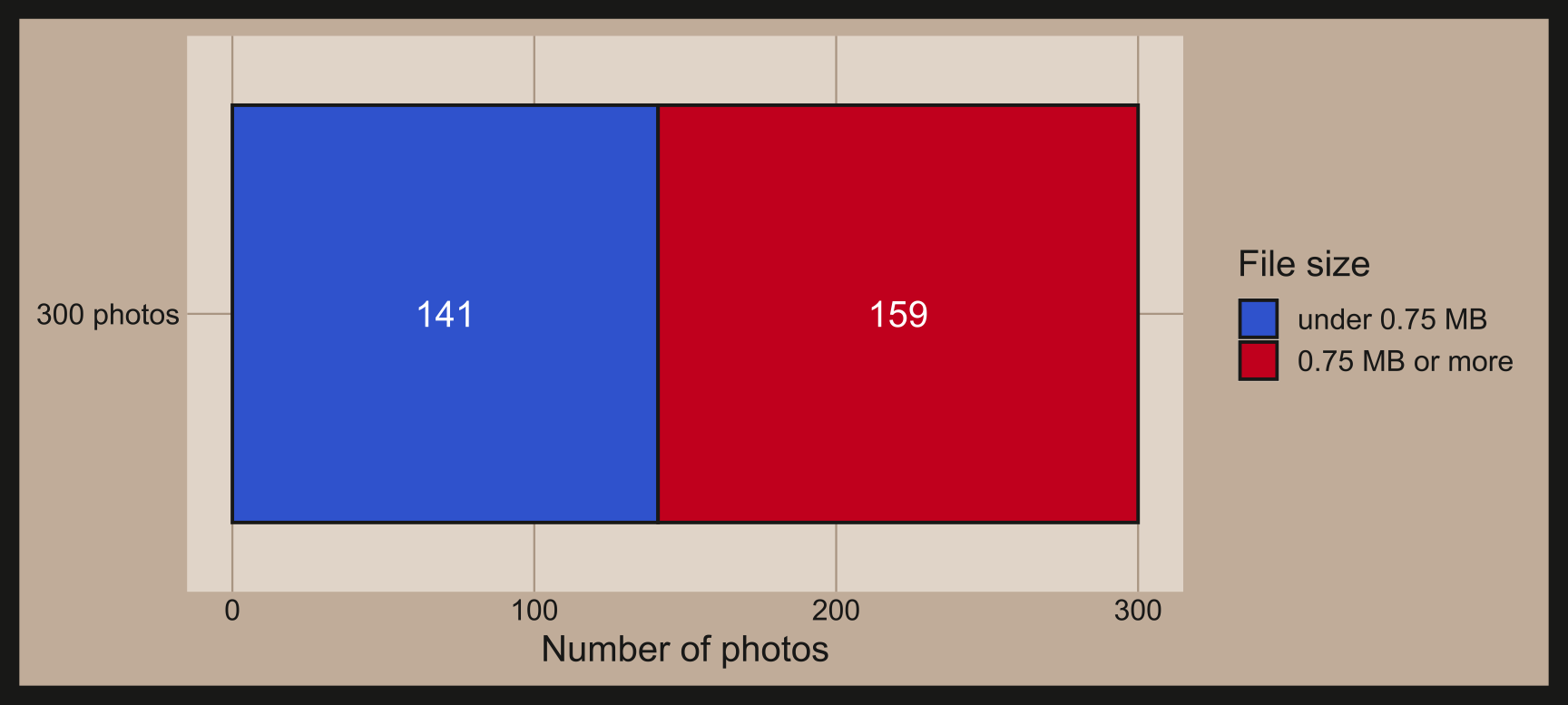
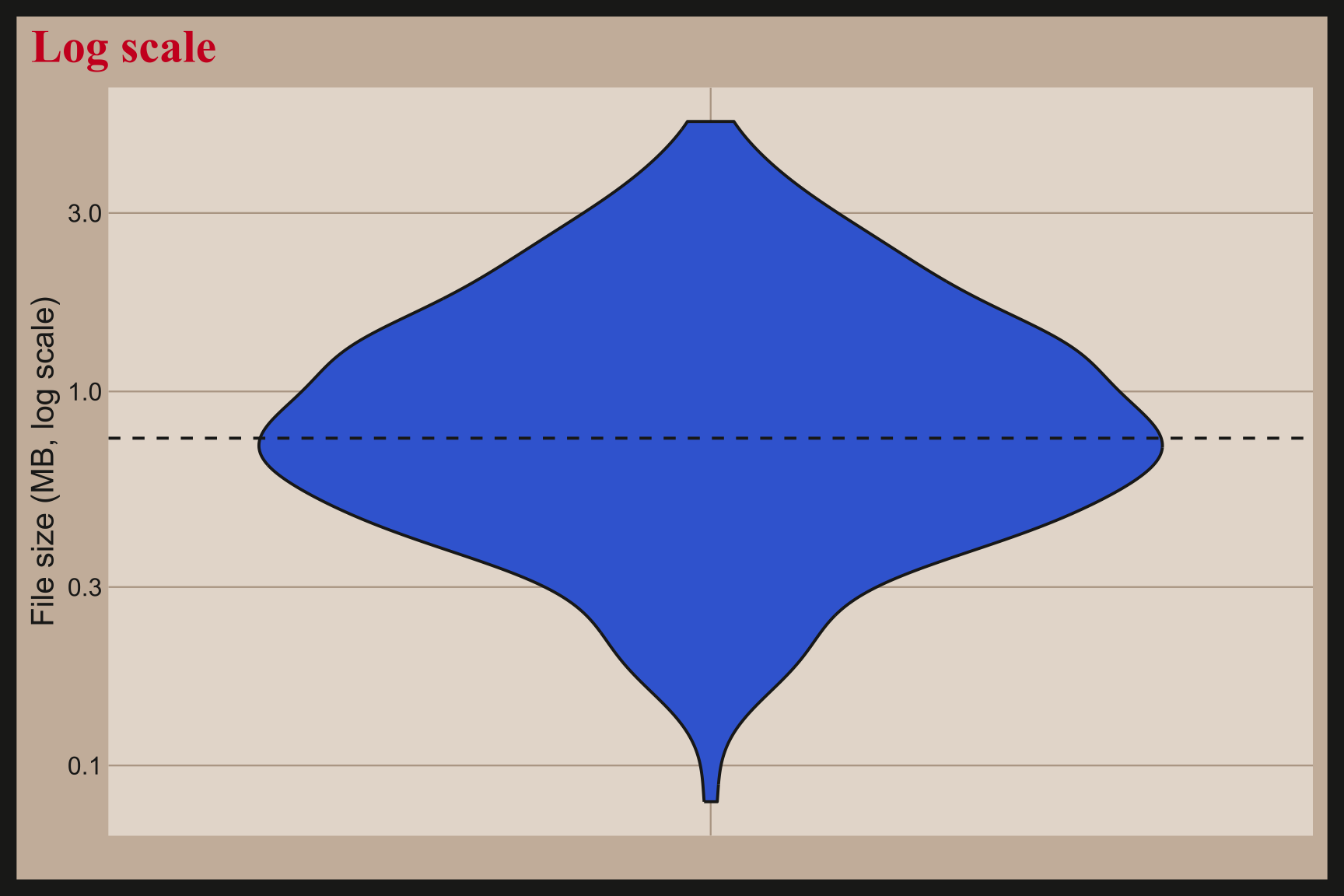
Below are two violins of the same 300 file sizes. The first uses megabytes, so most of the area is squashed near the bottom and the neck stretches up past 5 MB. The second puts the y axis on a log scale with scale_y_log10(), which turns the same file sizes into a symmetric shape centered near 0.75 MB.
show/hide
ggplot(data = microdrive_photos, aes(x = "", y = size_mb)) +
  geom_violin() +
  geom_hline(yintercept = 0.75, linetype = "dashed") +
  labs(title = "Megabyte scale", x = NULL, y = "File size (MB)")

ggplot(data = microdrive_photos, aes(x = "", y = size_mb)) +
  geom_violin() +
  geom_hline(yintercept = 0.75, linetype = "dashed") +
  scale_y_log10() +
  labs(title = "Log scale", x = NULL, y = "File size (MB, log scale)")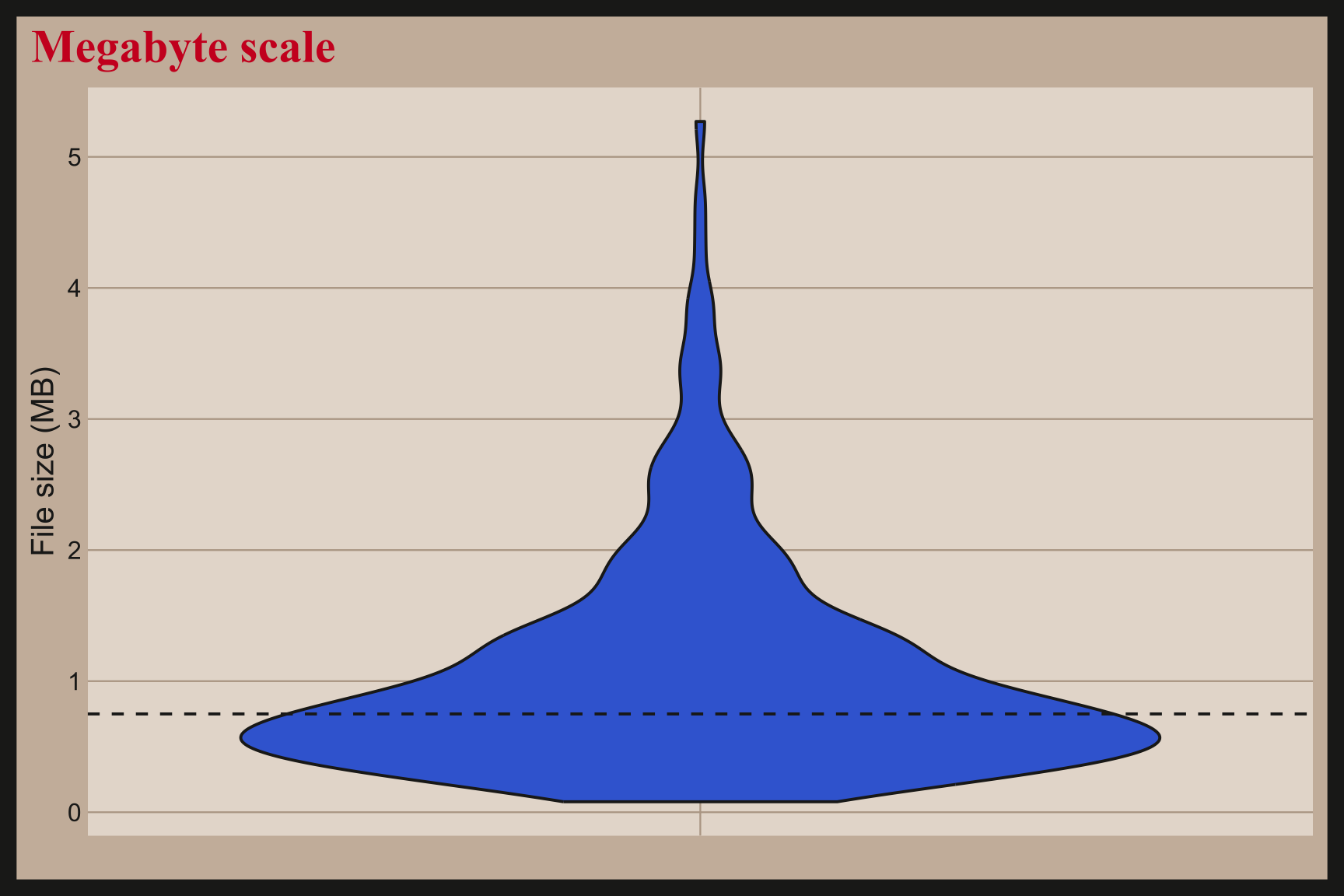
NAME IT:
The rlnorm() call that created the data draws from a log normal distribution. A file size is log normal when its logarithm is normal:
\[ \log(X) \sim \text{Normal}(\mu = \log(0.75), \sigma = 0.8) \]
The two parameters describe the log scale, not the megabyte scale. Back on the megabyte scale, the median is \(e^{\mu} = 0.75\) MB, which is why the bar model split the photos at 0.75 MB. The mean is larger, \(e^{\mu + \sigma^2 / 2} = 0.75 \times e^{0.32} \approx 1.03\) MB, because the long right tail pulls it up. The bigger \(\sigma\) gets, the longer the violin’s neck and the further the mean drifts from the median.
Our simulated photos come close: the median is 0.81 MB and the mean is 1.07 MB.
6.4 Grammar
CODE:
Create labels with labs()
Initialize the graph with ggplot() and provide data
- Place an empty string (
"") in thexargument
Map an empty string ("") to the x and size_mb to the y (every photo shares one x value, so all 300 sizes make one unlabeled violin)
Add geom_violin()
show/hide
labs_violin <- labs(
  title = "IBM Microdrive photo file sizes",
  caption = "Simulated data",
  subtitle = "300 photos saved to a 340MB card in 1999",
  x = "",
  y = "File size (MB)")
ggp2_violin <- ggplot(data = microdrive_photos,
       aes(x = '',
           y = size_mb)) +
       geom_violin()
ggp2_violin +
  labs_violin
GRAPH: